YouTube to MP3 on iPhone: Safari Download Guide
By ytmp3converter • September 29, 2026
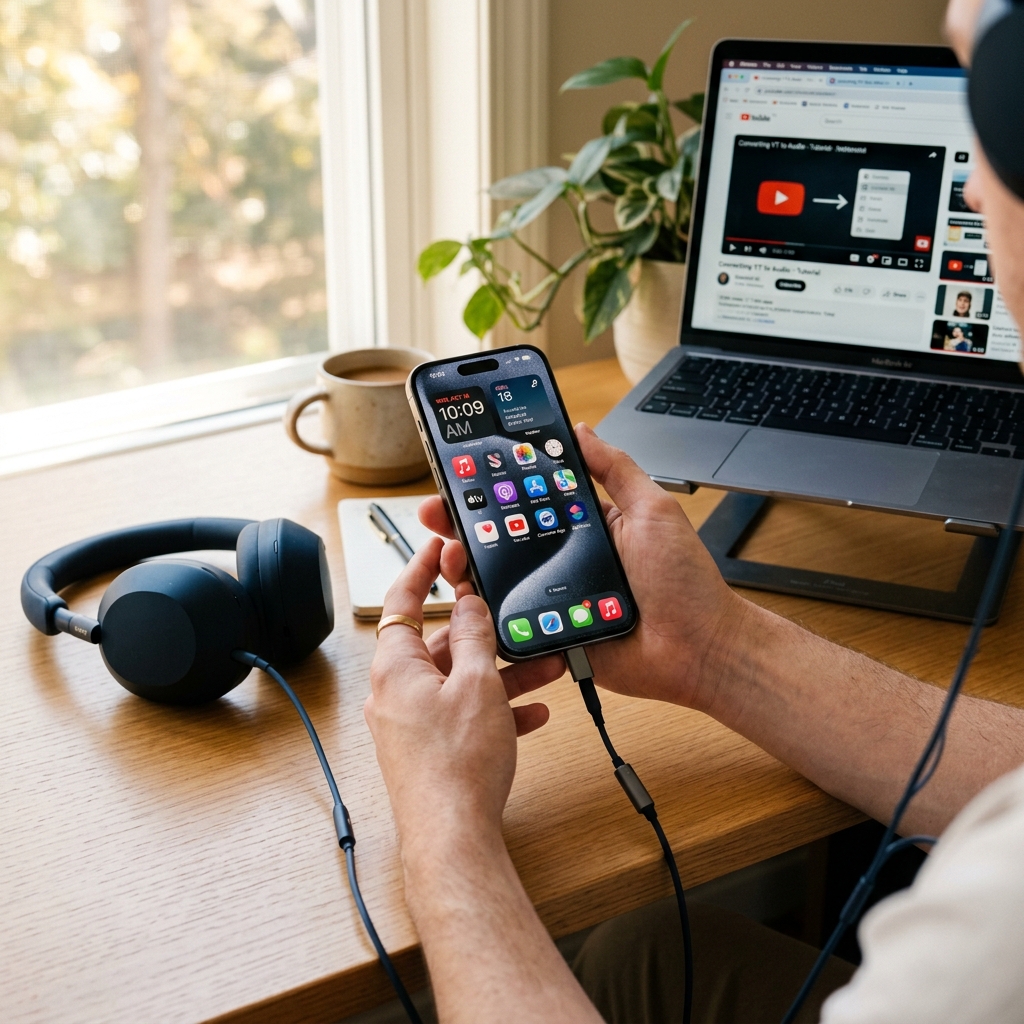
To save authorized YouTube audio on an iPhone, use a compatible browser converter, select MP3, download the result, and verify the file in Files. Processing time and success depend on the source and service.
This guide explains a general Safari workflow. It is not a hands-on iOS 27 test, a release announcement, or a compatibility guarantee.
Before you convert
Use your own recording or content you have permission to download. Check your connection and free storage. Private, unavailable, age-restricted, or region-restricted sources may not work. Do not bypass browser warnings or device restrictions to obtain a file.
Prepare and download the MP3
- Copy a supported individual YouTube video link for your authorized source.
- Open the converter in Safari and paste the link.
- Select MP3. Complete the security check if requested.
- Choose a quality option and select Download. Allow time for the service to prepare the result; there is no fixed completion time.
- Confirm any browser download prompt, then inspect the saved file in Safari or Files.
For the tool’s controls and general limitations, see the YouTube-to-MP3 walkthrough.
Find the saved file
Use Safari’s Downloads button to inspect current or recent downloads. In Files, open Browse and look in Downloads; check both iCloud Drive and On My iPhone if needed. Search for the filename if the file was moved.
These locations follow Apple’s instructions for finding Safari downloads. Menu placement can vary with the installed software version and your settings.
Choose a quality setting
A higher MP3 bitrate usually produces a larger file. It cannot improve detail that the source no longer contains. Speech may need less storage than music at a high bitrate, but compare a short sample on the device you actually use.
For a constant-bitrate file, a rough size estimate is duration in seconds multiplied by bitrate in kilobits per second, divided by 8,000, to give decimal megabytes. Headers and metadata add some overhead. A four-minute file at 128 kbps is about 3.84 MB; at 320 kbps it is about 9.6 MB.
The audio quality settings guide explains further trade-offs. Keep an authorized original if future editing or transcoding is likely.
Troubleshoot the result
| Symptom | Next check |
|---|---|
| Conversion never finishes | Confirm source availability, connection, and service status; try a shorter authorized recording |
| Download appears missing | Check Safari’s Downloads list, then Files and available storage |
| File will not play | Check size and duration; a partial response or web page saved as MP3 is not a valid audio download |
| Unrelated tab or installer appears | Stop and close it; no extension is required for this site’s converter |
| A browser or managed-device restriction appears | Follow the warning or ask the device administrator rather than disabling protection |
When reporting a failed conversion, include the format, selected quality, approximate source duration, browser version, and exact error. Do not send passwords or private media links.
Shorts and playlists
A supported Shorts link may be processed individually. Source restrictions still apply. This site’s converter accepts individual supported video links; a full playlist download is a different feature. See the playlist workflow guide for the distinction.
Frequently asked questions
Can I use a browser converter on iPhone?
A compatible browser-based service can prepare an MP3 for download. Success depends on the source, browser, connection, and service availability; it is not guaranteed for every video.
Does this guide verify iOS 27 compatibility?
No. It explains the general Safari download workflow, not a hands-on test or certification of a particular iOS release.
Where can I find a downloaded MP3?
Check Safari’s Downloads list and the Downloads folder in the Files app. The location can be in iCloud Drive or local device storage, depending on settings.
Do I need to install an extension?
This site’s converter does not require a browser extension or desktop software. Do not install unrelated software prompted by another page.
Will 320 kbps improve a low-quality recording?
No. Higher output bitrate cannot restore missing source detail. Choose a setting appropriate to the source and available storage.
Can this converter download a whole playlist at once?
No. Use a supported individual video link. A playlist URL is not a promise of batch downloading.